

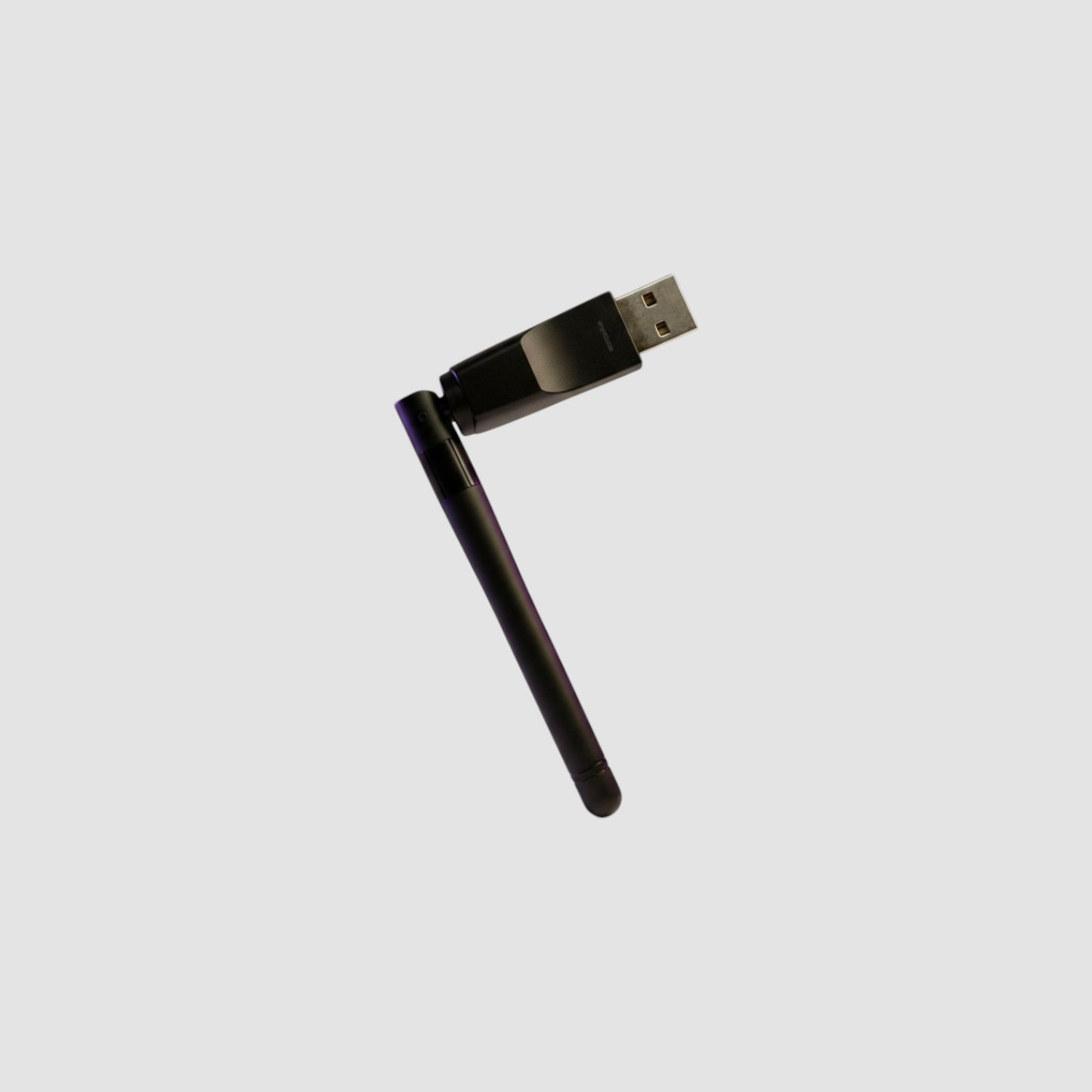
SlimeVR Compatible Ibis Tracker Receiver with External Antenna
About the Product
Replacement or upgrade receiver for Ibis trackers. Comes pre-flashed with the SlimeVR nRF receiver firmware.
Note: You will need to use nRF Connect or the Smol Slime Configurator software to pair existing or new trackers. Please read the SlimeVR documentation on pairing trackers.
Please note! We don't stock many spares, so we charge a higher price. These receivers are readily available through the official HolyIOT store on AliExpress and Alibaba.
If you have purchased trackers and require a replacement, please contact us for a warranty replacement.
Receivers come preflashed with the latest firmware, but may not match your existing trackers. Be sure to update all of your trackers to the same version as the receiver.
43 in stock
Couldn't load pickup availability
FAQs
What are Ibis trackers?
IBIS trackers are full body trackers for VR that let your avatar move like you do.
Do IBIS trackers use Wi-Fi?
No. They use a wireless USB receiver that plugs into your PC. No WIFI for tracking required.
Why don’t they use Wi-Fi?
Not using Wi-Fi means simpler setup (they come pre paired), better battery life (up to 70 hours, ~50hrs average), and fewer connection problems. Note that the range is generally limited to within your playspace, not your wifi strength.
Can I mix IBIS trackers with other SlimeVR trackers, including other third party trackers?
Yes, as long as SlimeVR supports them. You can use Officials with IBIS trackers; do note, however, that the limitations of each type will still be present. Wifi may have more range, less battery life, etc.
Can I update the trackers?
Yes. However, unless there's an issue with your current firmware version, we recommend you don't update "just because". Firmware is still under development and may soft-brick your trackers. Rolling back to a previous version is possible, but there updates almost daily. We usually use the latest "Stable" available.
How do I pair the trackers?
Our trackers come pre-paired. Simply plug in the receiver and turn them on. For pairing additional trackers, see here: https://docs.slimevr.dev/smol-slimes/firmware/smol-pairing-and-calibration.html#adding-more-trackers
Do they work with Quest or other standalone headsets?
Yes, as long as SlimeVR Server is supported on your setup. If you run on standalone, you can still use SlimeVR server on a laptop, desktop or android phone. Note that you do not need to have a PCVR capable computer to run SlimeVR server. Any basic laptop will work.
What games do they work with?
Any that use Vive trackers. VRChat, Blade & Sorcery, etc.
How long does the battery last?
It's possible to get over 70 hours of battery life, but realistically if you constantly move, it's closer to 30-50 hours.
Any tracker that has more movement (ie chest, due to breathing will move it more) will drain faster. We regularly see more than 50 hours use from general playtime.
Are IBIS 2.0 trackers accurate?
Yes. They’re great for social VR and full-body movement. including dancing. Note that your experience will vary depending on body shape, mounting calibration, and your body proportion setup.
What is yaw reset?
Trackers tend to rotate over time for reasons. We recommend you read the glossary in the SlimeVR docs for further clarity. https://docs.slimevr.dev/glossary.html
How often do I need to recalibrate?
It depends. If you're dancing and moving a LOT, then you may find you have to yaw reset every 10 minutes. However, if you're walking, and socializing, it could be over an hour. It just depends on your movement.
What do the trackers actually track?
They track how your body parts rotate and move, not your exact location in the room.
Each tracker measures the rotation of a bone, and when the data from all the bones is combined, it creates a simulation of your physical poses and movements. For this reason, you should aim to use enough trackers to meet your specific Full Body Tracking needs.
Taken from https://docs.slimevr.dev/slimevr101.html#how-many-trackers-do-you-need
How many trackers do I need?
SlimeVR works with just 5 trackers, but the recommended number is 6. More trackers make movement look better and more accurate.
When I buy trackers, what's in the box?
- Trackers
- Receiver + Extension Cable
- 10 port charging dock + USB C Cable
- Mounting Velcro straps
- Quick Release Hooks
- Chest Harness + tracker mount
- Mounting location stickers
What do they work with?
They work with SlimeVR, SteamVR, and games like VRChat. They also work for Quest headsets (Standalone VRChat) with the Android SlimeVR app.
How do I connect the trackers to my VR headset?
They connect wirelessly to a your receiver (dongle) that you plug into your PC. To use the Android app, you'll need a USB A female to USB-C adapter. (not included)